What should I cook?Check your pantry.
Add the ingredients you have. Cooking Advisor suggests what you can make with them and stays with you while you cook, step by step.
Coming soonGoogle Play
The app is currently in closed beta testing.
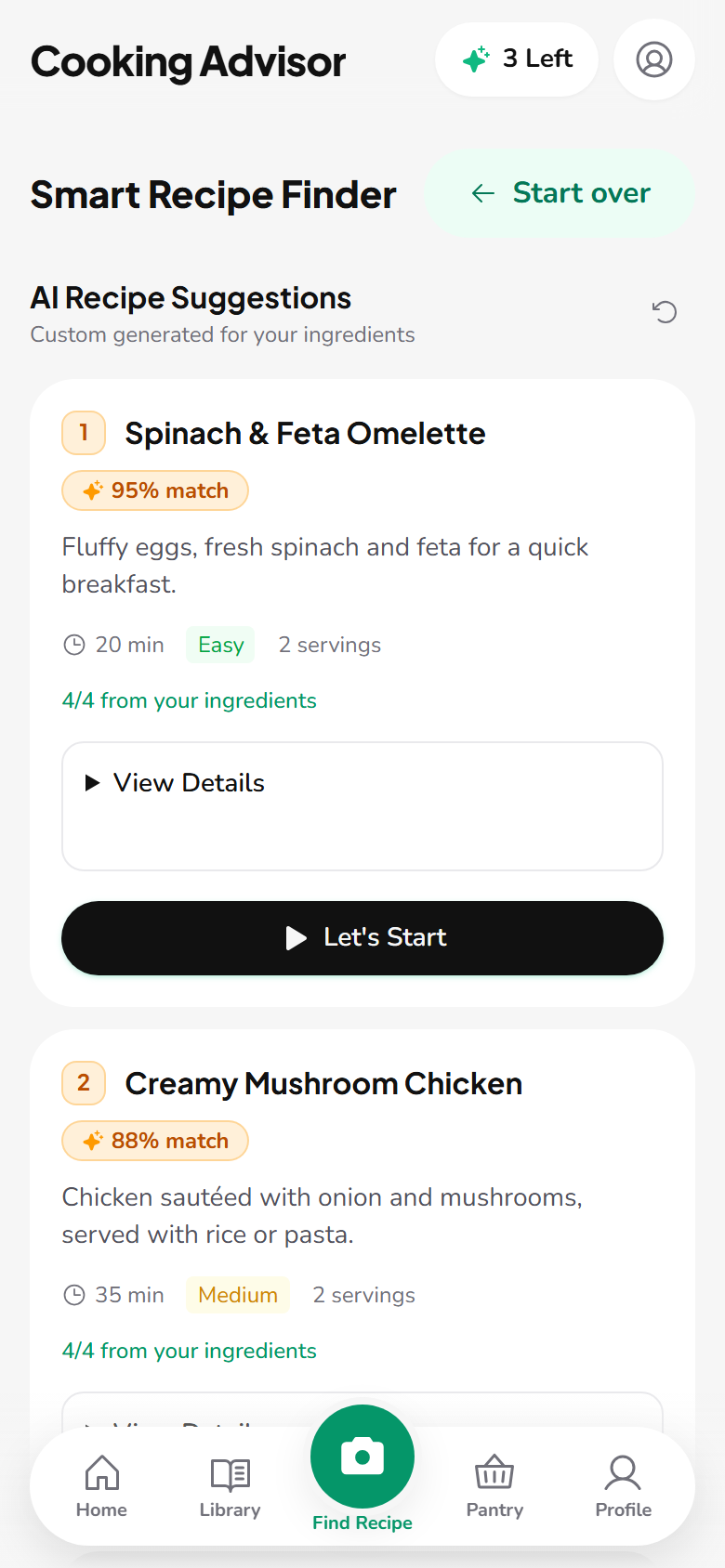
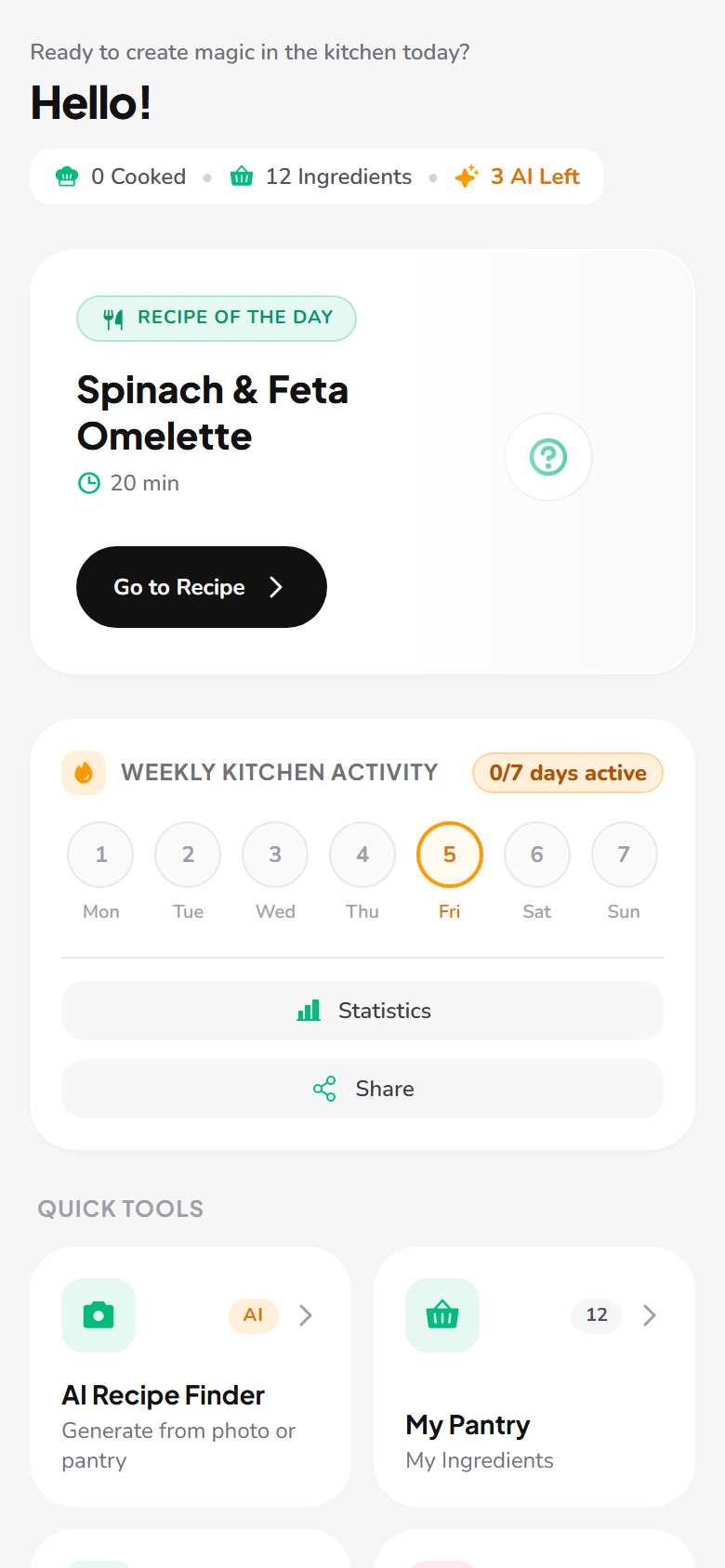
Three steps from pantry to table
Skip the endless recipe search. Start with what is already in your kitchen.
Add your ingredients
Snap a photo or type them in. Everything you have is kept in your Pantry.
Look at the suggestions
Recipes appear based on what you have, each showing how many of your ingredients it uses.
Cook step by step
Steps, voice help and timers are right there in the kitchen with you.
Everything you need in the kitchen
- Pantry
- Add and edit ingredients and see what you have at a glance.
- Recipe library
- Browse and search recipes, and save the ones you like to your favourites.
- Your own recipes
- Save your recipes. Import them from supported links and share flows.
- Cooking assistant
- Follow the steps with a voice assistant and timers.
The Google Play release is coming soon.
Cooking Advisor is in closed beta testing right now. Write to us if you would like to try it or hear about the launch.